Screenshots

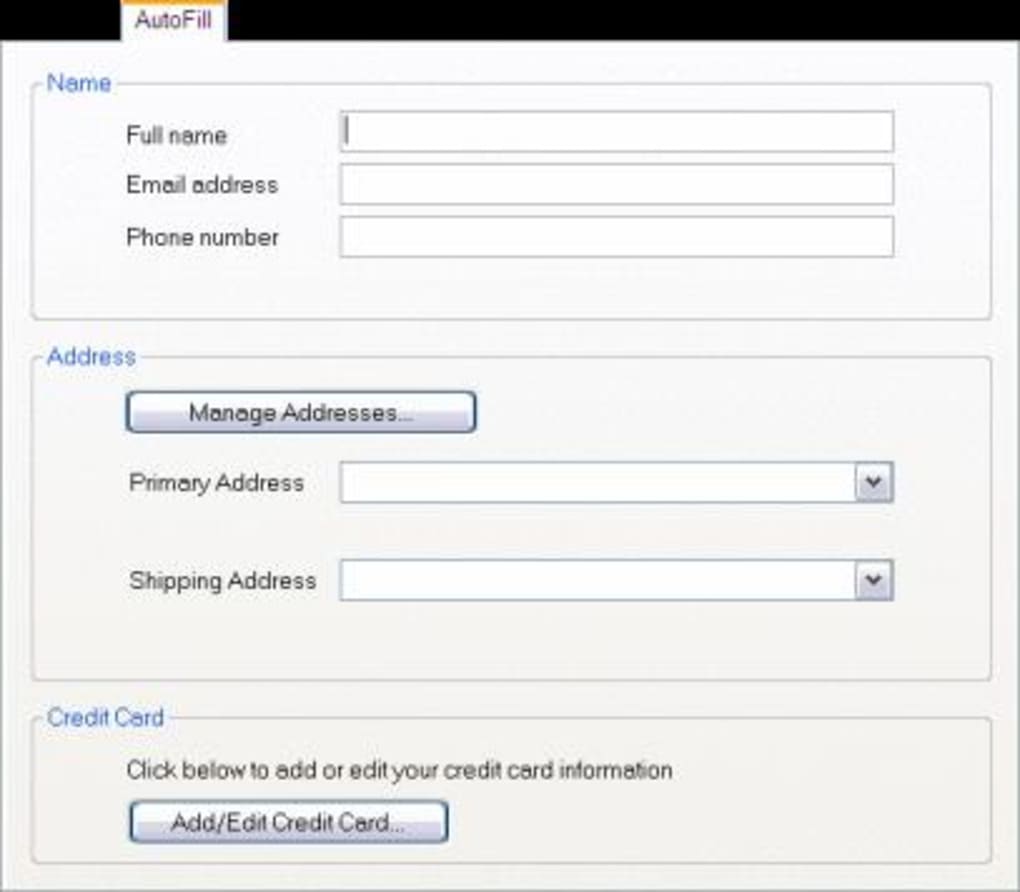

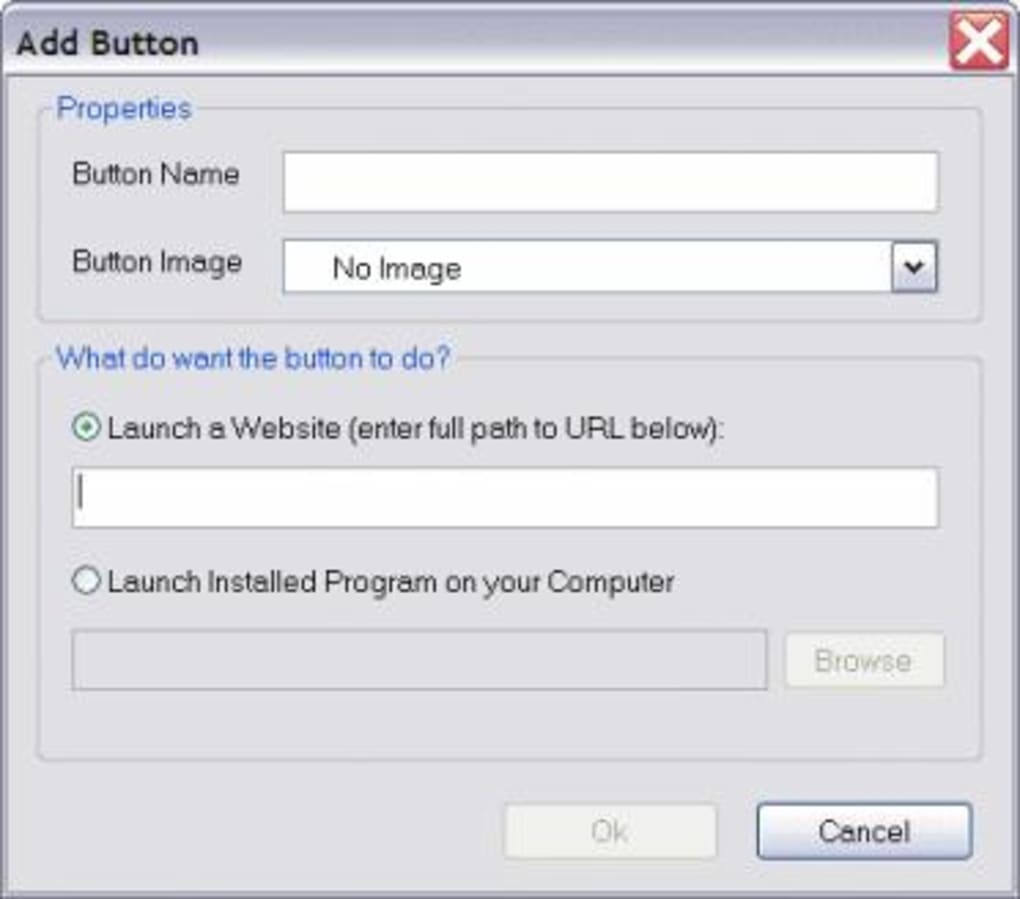
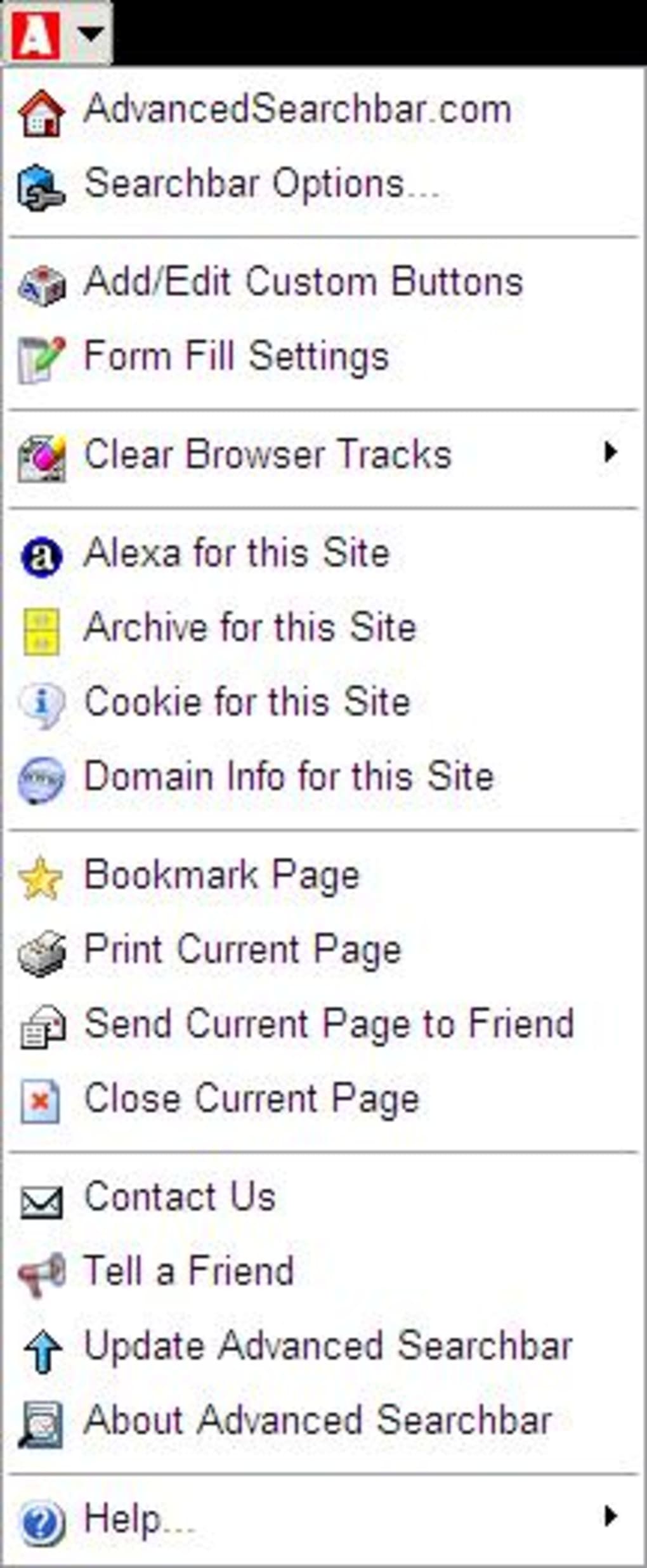
App details
- Version
- 3.36
- Size
- 2.34 MB
- Updated
- March 9, 2017
- Requires
- Windows Vista
- Language
- English
- License
- Free
- Developer
- Visit Website
- Category
- Windows OS
SoftPas in:
This product is also available in the following languages:
About Advanced Searchbar
Download Advanced Searchbar – free Windows search tool, secure and fast
Overview
Advanced Searchbar is a lightweight, free Windows program that redefines how you browse the web. First released in 2006 and continuously refined, the current version 3.36 (updated on February 22 2008) delivers a slick, responsive search experience directly from your desktop. Unlike bulky browsers, this dedicated search utility occupies a fraction of your hard‑drive space while still offering powerful capabilities such as customizable search providers, enhanced error handling, and a faster Internet Explorer (IE) integration. Over the years, Advanced Searchbar has earned the trust of more than 2,500 users worldwide, with recent weekly downloads indicating steady interest from regions like the United States, India, and New Zealand. Its focus on speed, simplicity, and security makes it an ideal companion for anyone who wants an instant search bar without the overhead of a full‑featured browser. Whether you’re running Windows ME, Windows 2000, or any earlier edition, Advanced Searchbar provides a seamless, low‑resource solution that stays out of the way while delivering results in seconds. The program’s minimalistic design, combined with an intuitive interface, ensures that even non‑technical users can install and start searching within minutes. As a free tool, it eliminates licensing concerns, and its regular updates (including the latest installer overhaul and bug fixes) guarantee that you remain protected against known vulnerabilities. In short, if you need a fast, secure, and customizable search bar for legacy Windows systems, Advanced Searchbar is the only tool you’ll ever need.
Key Features of Advanced Searchbar
- Customizable Search Providers – add, edit, or remove any search engine you prefer.
- Improved Error Handling – robust mechanisms to prevent crashes and display friendly error messages.
- New Installer – lightweight setup file that reduces installation time and disk usage.
- Admin Bug Fix – resolves permission issues for users with limited rights.
- Enhanced IE Speed – tighter integration with Internet Explorer for quicker page loads.
- Free & Portable – no hidden costs, and can be run from a USB drive on compatible Windows versions.
- Multi‑Language Support – English interface with easy localization options.
- Low System Footprint – consumes minimal RAM and CPU, ideal for older machines.
- Secure Updates – signed binaries ensure the download is authentic and tamper‑free.
- Simple UI – single‑click access to search from the taskbar or desktop.
Installation, Usage & Compatibility (Pros & Cons)
Installing Advanced Searchbar is straightforward. Download the installer from the official page, then double‑click the .exe file. The new installer guides you through a brief wizard: accept the license agreement, choose an installation folder (the default path works for most users), and decide whether to create a desktop shortcut. Because the program targets legacy Windows environments, it supports Windows ME, Windows 2000, and earlier editions. The compatible operating systems are listed in the installer, and the setup automatically disables components that are unavailable on older platforms, preventing potential conflicts.
Once installed, launch Advanced Searchbar from the Start menu or desktop icon. The main window presents a single input field where you can type any query. By default, the bar uses the built‑in search provider, but you can quickly switch providers via the dropdown menu next to the field. Adding a new provider is as easy as clicking the “Add Provider” button, entering the provider’s name, and pasting the search URL (use {query} as a placeholder). The program remembers your preferences, so you never need to reconfigure after a reboot.
Pros
- Extremely low memory and CPU usage – perfect for older PCs.
- Free with no hidden fees or ads.
- Highly customizable search provider list.
- Secure installer and signed binaries.
- Fast integration with Internet Explorer improves page loading times.
Cons
- Only works on legacy Windows versions; no native support for Windows 10/11.
- Lacks modern features such as voice search or AI suggestions.
- Interface is basic and may feel dated to users accustomed to newer UI designs.
- No mobile (Android/iOS) counterpart.
- Updates stopped in 2008, so security patches rely on the existing code base.
Overall, the benefits outweigh the limitations for its target audience—users who need a fast, lightweight search bar on older Windows machines. The program’s simplicity ensures a short learning curve, while the ability to tailor search providers offers enough flexibility for most everyday tasks.
Frequently Asked Questions & Final Thoughts
Is Advanced Searchbar still safe to use despite the last update being in 2008?
Yes. The installer is digitally signed, and the program’s limited functionality reduces exposure to modern web threats. However, users should avoid using it for sensitive transactions and pair it with up‑to‑date antivirus software.
Can I run Advanced Searchbar on Windows 10 or Windows 11?
Officially, the software targets Windows ME and earlier versions. While it may launch on newer systems, compatibility is not guaranteed, and you may encounter UI glitches.
How do I add a custom search engine?
Open the Advanced Searchbar window, click “Add Provider,” enter a name (e.g., “DuckDuckGo”), and paste the search URL with {query} as the placeholder. Save, and the new engine appears in the dropdown list.
Does Advanced Searchbar store my search history?
No. The application does not log queries locally, which adds a layer of privacy for users concerned about data retention.
Is there a portable version that can run from a USB stick?
Yes. Because the installer is minimal, you can copy the entire installation folder to a USB drive and run AdvancedSearchbar.exe directly without registration.
Conclusion
Advanced Searchbar remains a solid choice for users with older Windows machines who need a quick, secure, and free search utility. Its lightweight footprint, customizable provider list, and reliable IE integration make it stand out among legacy tools. While it lacks modern polish and official support for newer operating systems, the program’s simplicity and zero cost provide undeniable value. If you’re looking to boost your browsing efficiency without sacrificing system resources, download Advanced Searchbar today and enjoy a faster, more focused web‑search experience.
Pros: lightweight, free, highly customizable, secure installer.
Cons: no support for Windows 10/11, outdated UI, no mobile version.
Guides & Tutorials
How to install Advanced Searchbar
- Click the Download button above.
- Once redirected, accept the terms and click Install.
- Wait for the Advanced Searchbar download to finish on your device.
How to use Advanced Searchbar
This software is primarily used for its core features described above. Open the app after installation to explore its capabilities.
User Reviews
No reviews yet. Be the first to share your experience.
You may also like
more
Llama 2
Free-to-use large language model As the new addition to Meta’s arsenal of langua...

NotebookLM
Revolutionizing the note-taking and idea-generation process NotebookLM is an exp...

Github co pilot
AI-inspired software development and coding platform GitHub Copilot is a browser...

Google Gemma
Google’s lightweight AI models Introducing Google Gemma , a family of cutting-ed...

AI Image Enlarger
A free app for Windows, by ai-image-larger. AI Image Enlarger is a free software...

DALL E
AI-driven text-to-image transformation engine DALL·E is a free graphic and desig...